
Coding agents like Codex and Cursor depend on a harness — sandbox, tools, memory, guardrails — that determines safety and cost. Five things small dev teams should check before adopting them.
Key takeaways
- An agent harness — not the model — governs filesystem access, network egress, and approvals.
- The May 2026 TanStack npm compromise made boundary quality a first-class adoption criterion.
- Five things to check before piloting: sandbox, tool access, approval policy, memory scope, audit log.
- Pilot on a low-stakes repo with the strictest sandbox the vendor offers.
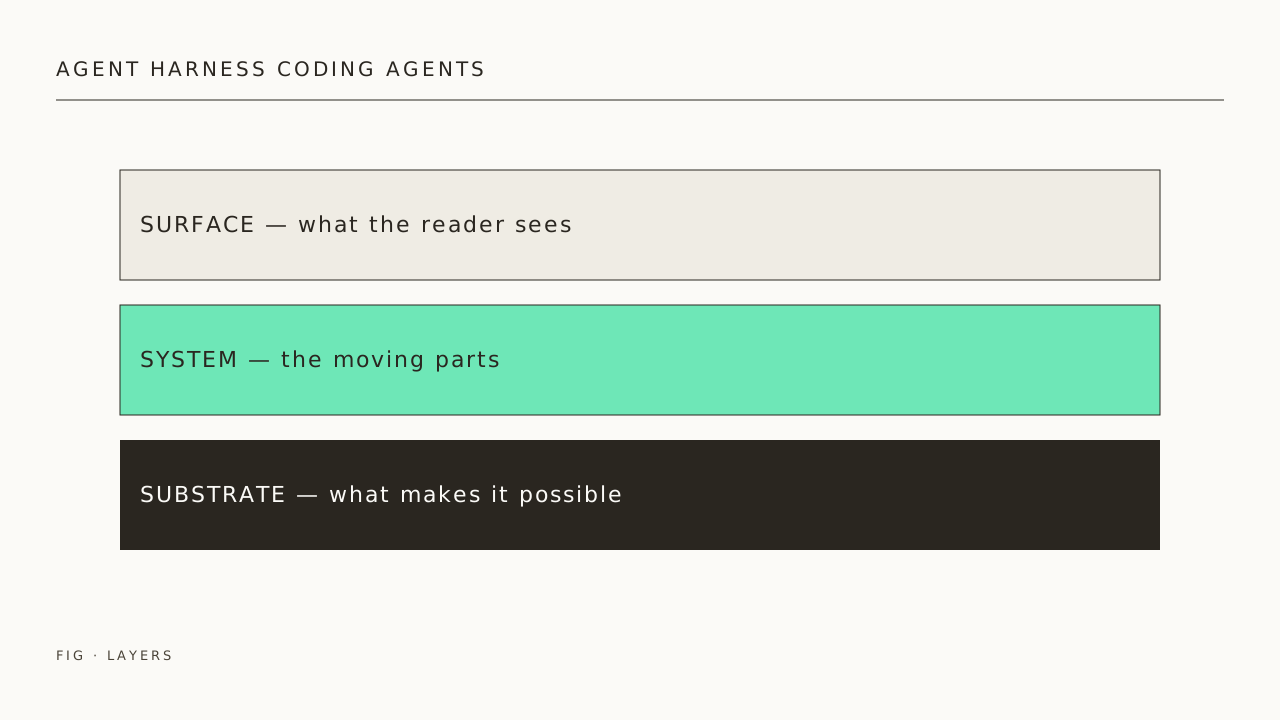
The agent harness layer: what small teams should evaluate before adopting coding agents in 2026
A coding agent is more than a model. The model writes code; the harness decides what files it can touch, which APIs it can call, when a human has to approve, and what evidence is left behind when something goes wrong. For small teams adopting tools like OpenAI Codex, Cursor, or Claude Code, the harness — not the model — is what determines whether the rollout is safe, predictable, and reversible.
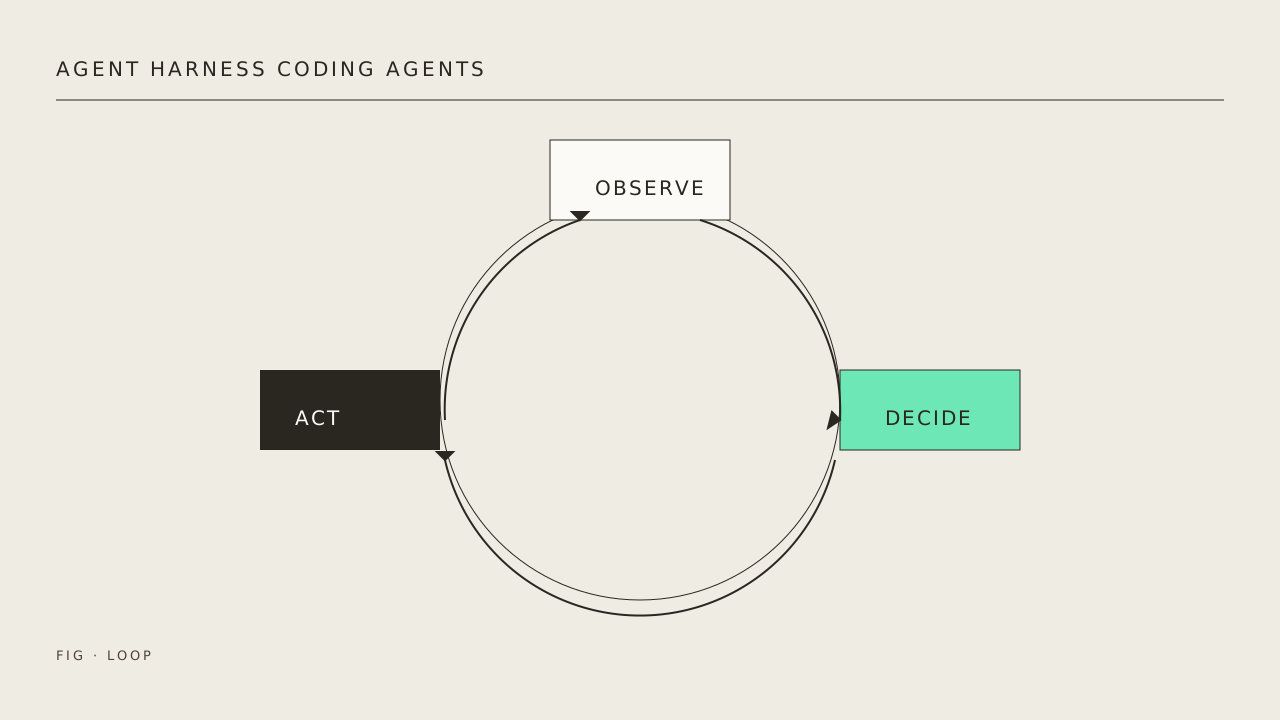
This is a practical evaluation guide, written for two-to-fifteen-person engineering teams piloting coding agents this quarter.
What an “agent harness” actually is
Zapier’s recent primer defines an agent harness as *”everything wrapped around an AI model that turns it into a working agent: tools, memory, state persistence, context management, sandboxed execution, guardrails, and the logic that ties it all together.”* The model handles reasoning; the harness governs effects on the outside world.
That distinction matters because the same model can behave very differently depending on its harness. A model wired to a permissive shell with no approval prompts and full network access is a different operational risk than the same model running inside a sandboxed user account with explicit network gating.
Why the harness now matters more than the model
In May 2026 a npm supply-chain attack compromised dozens of `@tanstack/*` package versions, planting credential-stealing malware that ran during install. According to TanStack’s own postmortem, the compromise spanned 84 published versions across 42 `@tanstack/*` packages. OpenAI publicly disclosed that two employee devices in its corporate environment were affected and that some credential material was exfiltrated from code repositories, while saying the impact was limited and that no other information or code was affected.
The relevant point for small teams is not that “agents are dangerous.” It’s that the blast radius of a single bad `npm install` — whether kicked off by a human or by an agent — depends almost entirely on the boundary around the process that ran it. That boundary is what a good harness provides.
OpenAI’s own response to the same incident is illustrative: Codex on Windows was updated so the agent runs in a sandboxed lower-privilege user account, with filesystem writes blocked outside the working directory and network access gated by firewall rules. Codex’s own documentation explicitly states that running without those constraints “means Codex is not limited to your project directory and might perform unintentional destructive actions that can lead to data loss.” That warning applies just as much when the destructive action originates from a poisoned dependency as when it originates from a hallucinated `rm`.
Five harness capabilities to check before adoption
1. Filesystem and network sandboxing
Does the agent run as your normal user, with full read/write to your home directory and unrestricted network access? Or does it run under a dedicated lower-privilege user, with writes confined to the working folder and network access gated by an allowlist?
Codex’s Windows documentation describes its “elevated” sandbox as combining *”dedicated lower-privilege sandbox users, filesystem permission boundaries, firewall rules, and local policy changes.”* That is the shape of boundary worth requiring — by whatever name the vendor calls it.
2. Tool access governance
The harness chooses which tools the model can invoke and what credentials those tools carry. Zapier’s catalog of MCP servers in 2026 includes connectors for GitHub, AWS, Kubernetes, Supabase, Slack, Vercel, and Google Workspace — each one a real production action surface. A coding agent that can `git push –force` to `main` or call the production AWS account is a different system than one that can only open pull requests for review.
The question to ask: which tools are enabled by default, and how granular is the off switch?
3. Approval policies (when does the human get pulled in?)
A useful harness distinguishes “auto-approved” actions (read a file, run a linter) from “ask first” actions (delete a file, push a commit, install a dependency). The failure case is the binary trap: either click through an approval prompt on every command, or switch the whole thing off into full-access mode. The Codex Windows documentation explicitly recommends keeping sandbox restrictions in place and configuring approval policies for specific exceptions — that’s the shape of policy worth requiring.
4. Memory and context boundaries
Agents persist state: chat history, tool results, learned facts about your codebase. That memory is useful, but it is also a data-protection surface. Where does it live? Is it cleared between projects? Can a teammate see what an agent learned from your private repo?
5. Observability and audit
Every tool call the agent made, with arguments and results, in a form you can search later. Without this, post-incident analysis is guesswork; with it, you can answer the question every reviewer eventually asks: *”What exactly did the agent do?”*
Tooling comparison
A small-team adoption checklist
- Pilot on a low-stakes repo first. Pick a repo where a destructive action would be embarrassing but not company-ending — internal tooling, a docs site, a personal sandbox.
- Run with the strictest sandbox the vendor offers. Look for explicit filesystem and network boundaries in the docs; if the vendor’s “safe mode” is just “ask for approval every time,” that’s a signal.
- Pick a default approval policy you can live with for a week. If you find yourself reflexively approving everything, the policy is too noisy — tighten the auto-approve list instead of disabling prompts.
- Inventory the tools the agent has access to. Disable anything that can write to production: deploy hooks, package publishing, force-push permissions.
- Treat audit logs as a real artifact. Spot-check them weekly during the pilot. You’re not just looking for malicious actions — you’re learning what the agent actually does when you’re not watching.
FAQ
Does the model I pick still matter? Yes — it determines quality, latency, and cost. But two teams running the same model with different harnesses can have very different incident postmortems. Pick the model on capability; pick the harness on operational fit.
Is “Full Access” mode ever appropriate? For throwaway containers, ephemeral CI jobs, or single-developer sandboxes, sometimes. For a shared developer laptop with access to production credentials, the OpenAI Windows documentation’s blunt warning applies: it “might perform unintentional destructive actions that can lead to data loss.”
Do MCP servers fit into the harness? Yes. MCP gives the harness a standard way to expose tools to the model. The same question still applies to each MCP server you enable: what credentials does it carry, and what actions does it allow?
How long should a small-team pilot run? Long enough to see at least one near-miss — a wrong file, a too-aggressive refactor, a confused approval. Two weeks of daily use is usually enough. If nothing surprising has happened, you probably haven’t exercised the agent on real work yet.
—
Related reading
- AI-Native Developer Tools: What Actually Changes in Small Software Teams — LumoMate Home About ← Back to LumoMate Developer Tools AI-Native Developer To…
- 10 AI workflow templates for freelancers and small businesses — A small-team playbook — A practical, source-cited playbook on 10 ai workflow templates for freelancer…
- Agentic AI Cost Control: Why Production Teams Need Token Budgets — LumoMate Home About ← Back to LumoMate AI Infrastructure Agentic AI Cost Cont…
—
Sources
- Zapier — What is an agent harness?
- OpenAI — Building a safe, effective sandbox to enable Codex on Windows
- OpenAI Developers — Codex on Windows (sandbox documentation)
- OpenAI — Our response to the TanStack npm supply chain attack
- Zapier — The 8 best MCP servers in 2026
- TanStack — Postmortem: TanStack npm supply-chain compromise