
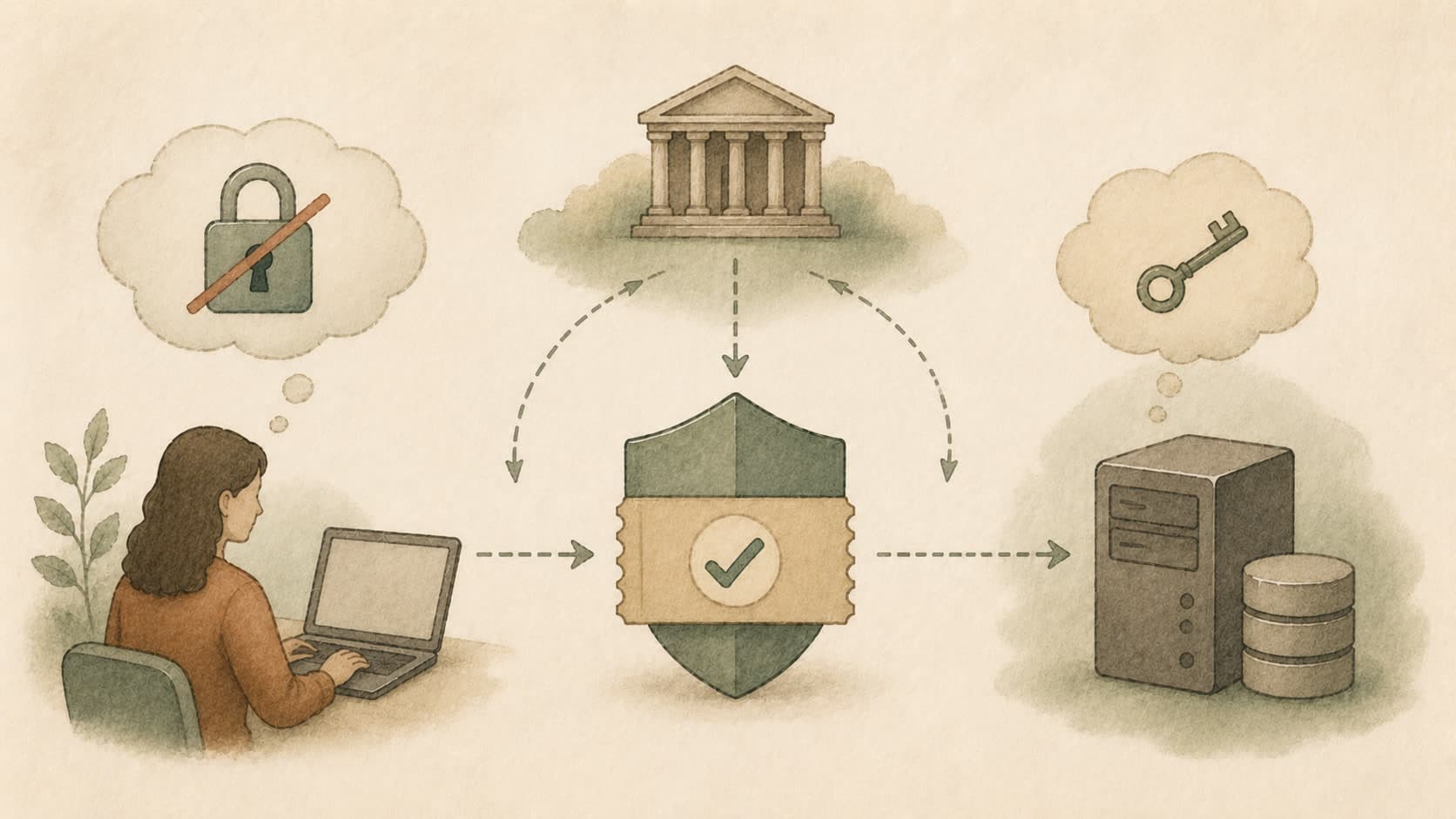
Authentication asks the user to prove their identity — a password, a passkey, a one-time code, a biometric. Everything that follows depends on this question being answered honestly.
In plain language
In security, this is one of the pieces a system uses to keep the wrong people out and the right people in. Authentication asks the user to prove their identity — a password, a passkey, a one-time code, a biometric. Everything that follows depends on this question being answered honestly. If you are new to the field, the simplest mental model is this: proving who you are. Read it once with that frame in mind, then come back and read it again — that is usually enough for the rest of the entry to make sense.
An everyday picture
Think of Authentication as a lock on a door. Boring when it works, suddenly the loudest thing in the room when it doesn't. The goal is for it to stay boring.
Where it shows up
Authentication runs in the background of any product that handles login, payment, or private data. It is most visible the moment it fails — someone gets in who shouldn't, or someone is locked out who shouldn't be.
A small example
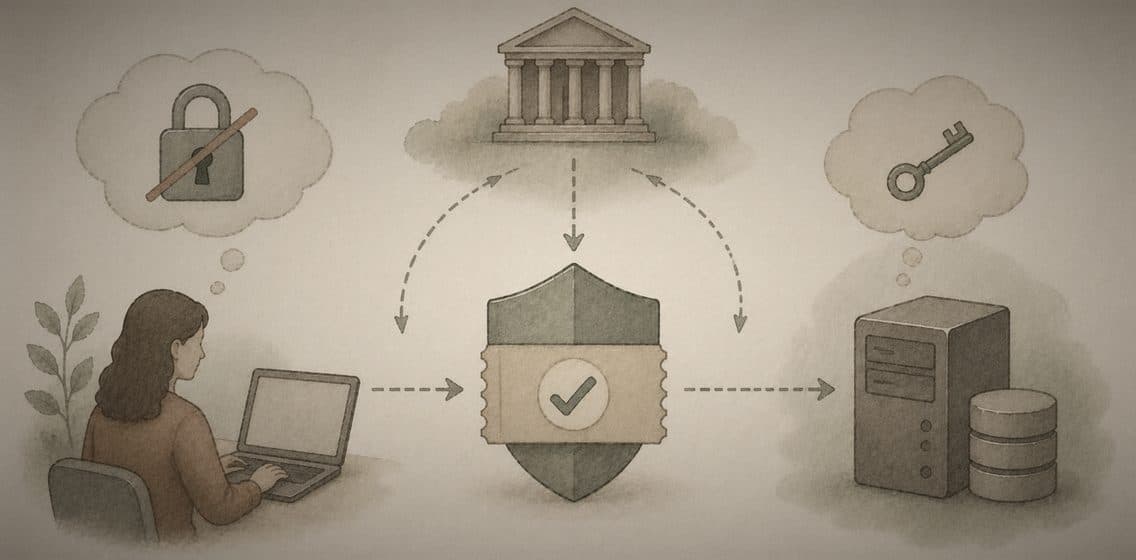
Imagine the scene above. The role Authentication plays is the one its blurb describes — Proving who you are. When you log in to a bank without anyone in a café reading your password, ideas like this are doing the protective work.
Common misunderstanding
One line to take with you
Authentication is a quiet promise. Keep the promise small, write it down, and check it works.