
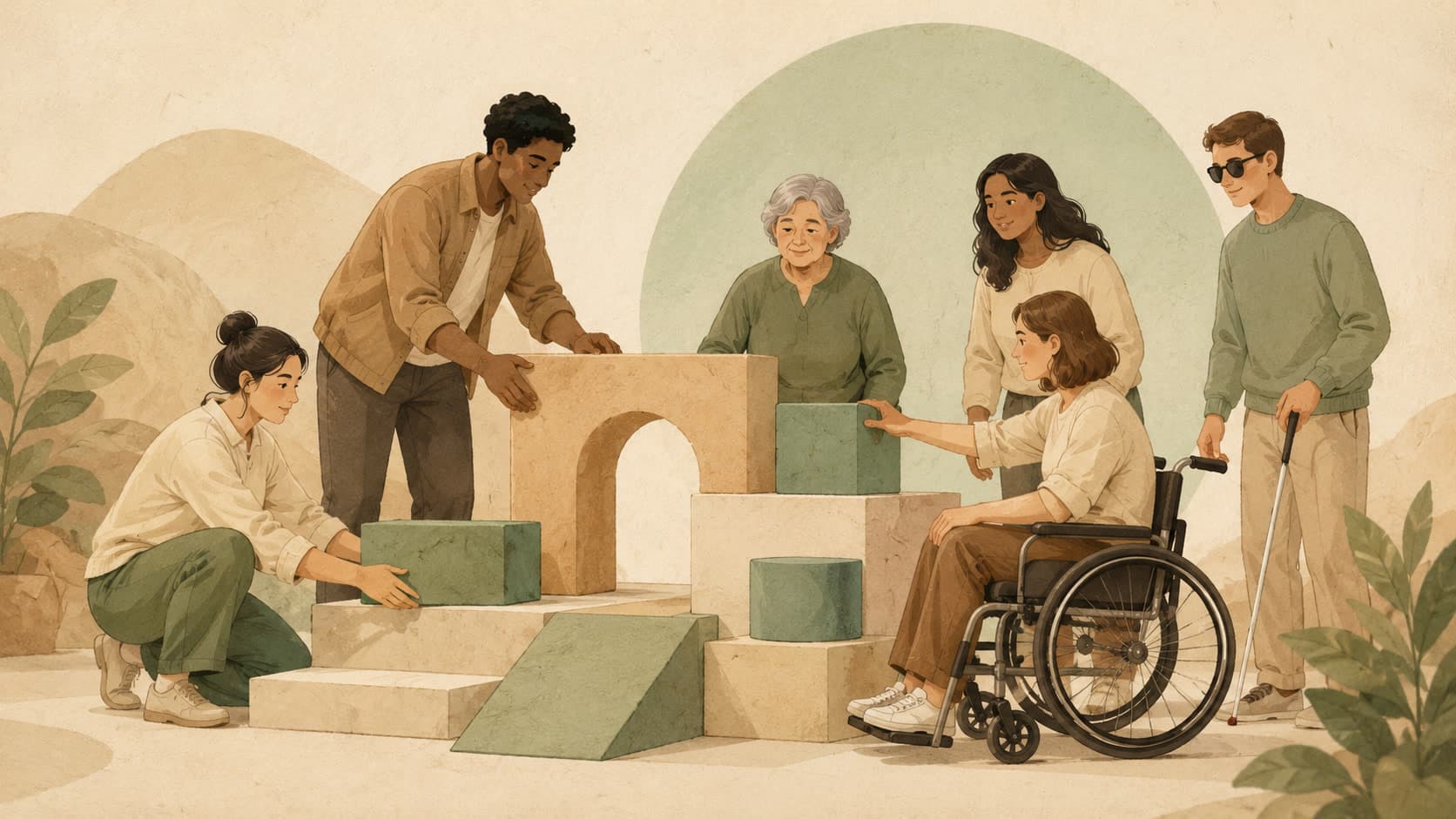
Accessibility is the practice of taking seriously the range of people who will use what you build — keyboard users, screen-reader users, color-blind users, anyone whose context is not yours.
In plain language
In product and design, this term is part of the language teams use to plan, sketch, and refine what users actually see. Accessibility is the practice of taking seriously the range of people who will use what you build — keyboard users, screen-reader users, color-blind users, anyone whose context is not yours. If you are new to the field, the simplest mental model is this: designing so more people can actually use it. Read it once with that frame in mind, then come back and read it again — that is usually enough for the rest of the entry to make sense.
An everyday picture
Think of Accessibility as a small habit a team agrees to keep. The single act is tiny; the value comes from everyone doing it the same way, the same week, every week.
Where it shows up
Accessibility sits inside the everyday rhythm of building software: planning, reviews, the small decisions that pile up between releases. Done well, it shows up as a calmer week; done badly, it shows up as rework.
A small example
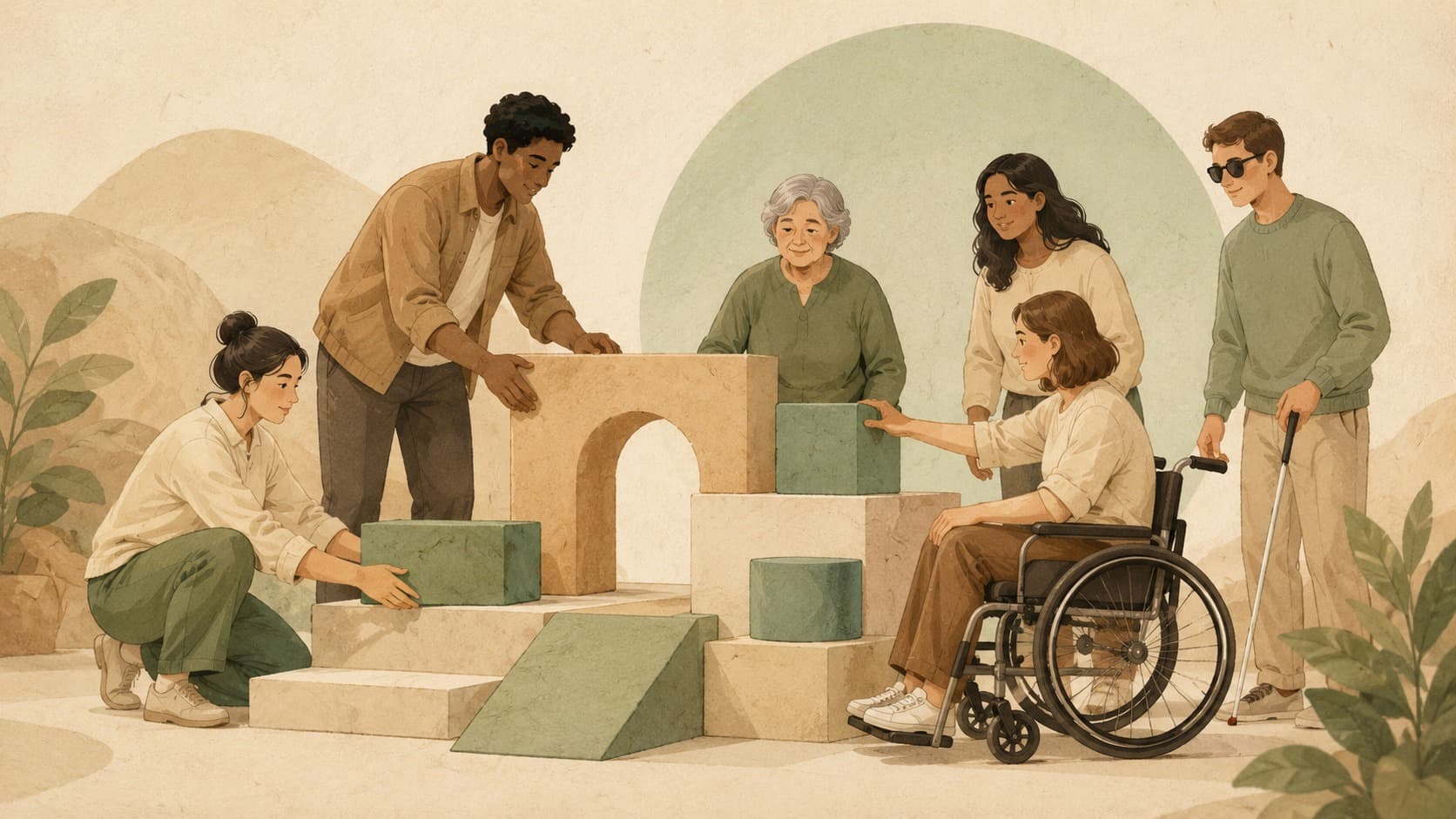
Imagine the scene above. The role Accessibility plays is the one its blurb describes — Designing so more people can actually use it. When a new app feels obvious the first time you use it, ideas like this are part of why nothing got in your way.
Common misunderstanding
One line to take with you
Accessibility is a habit. The first time costs the most; every time after that is mostly muscle memory.